Getting Started
How We Used to Set Up a WoW Private Server
Back in 2007, connecting to a private WoW server wasn't exactly plug-and-play. There were no launchers, no auto-patchers, and certainly no hand-holding. DJRavine's Complete Installation Guide on the WoWps.org forums received over 31,000 views — and Ryu's setup guide hit 18,000+. Here's a walkthrough of the process, preserved from the original site.
Step 1: Get the Client
First, you needed a copy of World of Warcraft. The Burning Crusade client (patch 2.4.3) was the golden standard — though earlier patches like 2.3.2 also worked with certain server builds. You'd download it from whatever mirror was fastest, often a multi-day affair on 2006-era broadband. The WoWps.org forum even had a dedicated thread with all client download links and patches.
 Downloading the original game client
  Downloading the Burning Crusade expansion
 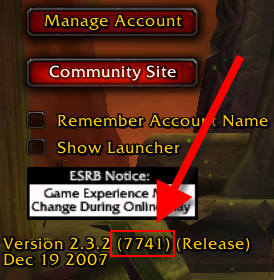 Checking the client version — this screenshot shows v2.3.2 (7741), an earlier patch before 2.4.3
 Step 2: Create an Account
Head to WoWps.org and hit that sign-up button. Pick a username, set a password, and you were in. No email verification, no two-factor auth — just pure 2006 simplicity. Every new member received an automated PM from DJRavine: "Welcome to one of the biggest and friendliest WoW Support Forums online..."
 The original registration button
 Step 3: Edit the Realmlist
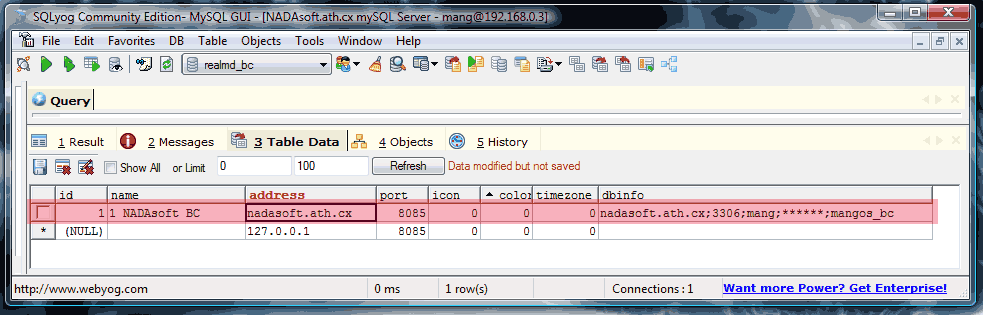
This was the magic step. You had to dig into your WoW installation folder, find the realmlist.wtf file, and change it to point at the WoWps.org server address. The realm was listed as "WoWps.org TBC" on port 8085. One wrong character and you'd be staring at a 'Disconnected from server' screen all night. Ryu posted a detailed guide on the forum covering the exact SQL setup needed — complete with the realmd database structure.
set realmlist logon.wowps.org
 Always launch using WoW.exe, never the launcher!
 Step 4: Connect and Play
Launch WoW, type in your credentials, and pray to the server gods that everything was online. If you saw the character creation screen, you'd made it. Welcome to WoWps.org.
 The final step before entering Azeroth
 For the Server Operators
Running the server itself was a whole other adventure. Mangos needed MySQL databases (mangos_bc and realmd_bc), C++ compilation from SVN source, map extraction, and a healthy dose of patience. DJRavine's LAN + Internet Router Setup Guide alone hit 27,000+ views — port forwarding was the number one question on the forums. The WoWps.org support section had 48 installation threads, 124 management threads, and countless hours of community troubleshooting.
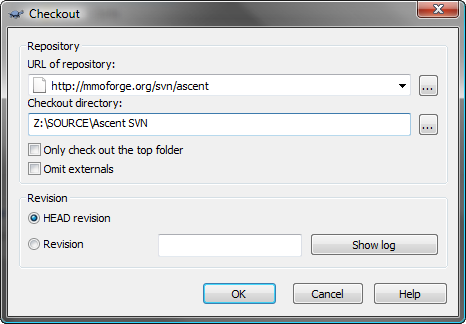 Pulling the latest Mangos source code via SVN
 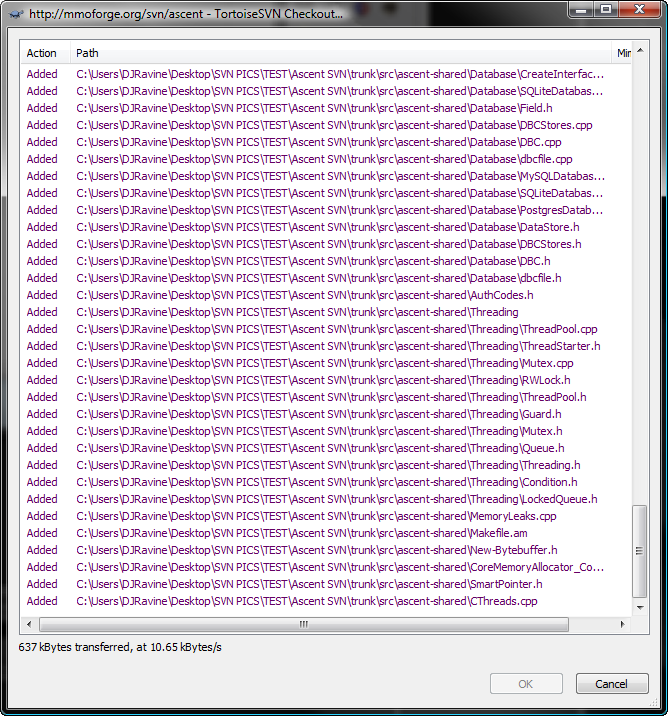 Waiting for the repository to download
 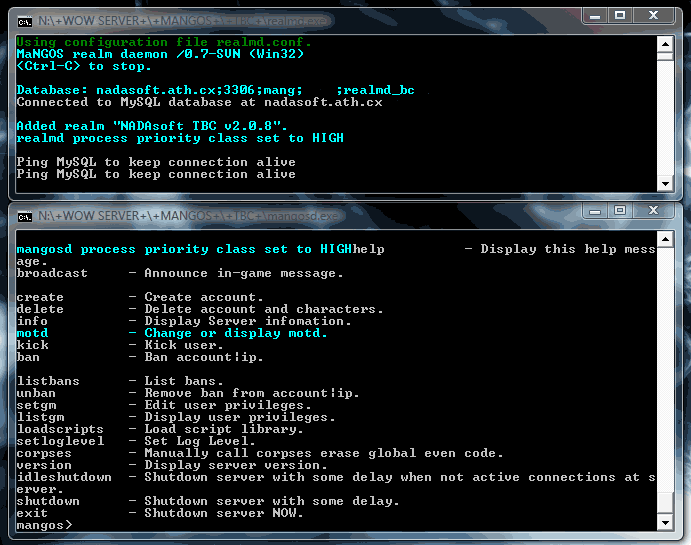 The Mangos daemon running
 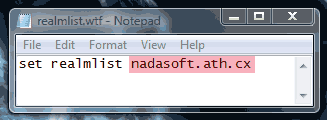 Configuring the realm database
 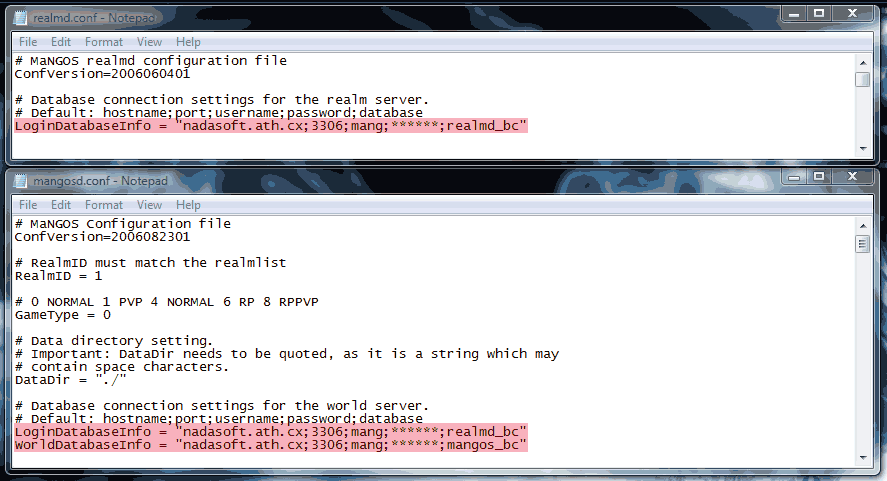 Endless configuration files
 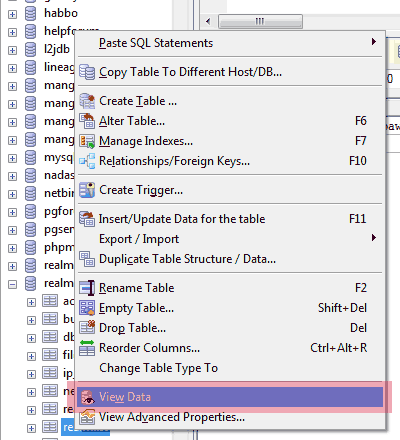 Managing the MySQL database
 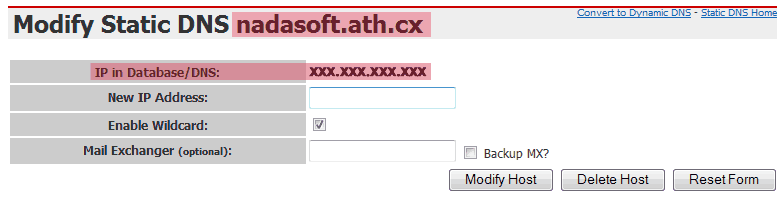 Configuring Dynamic DNS
 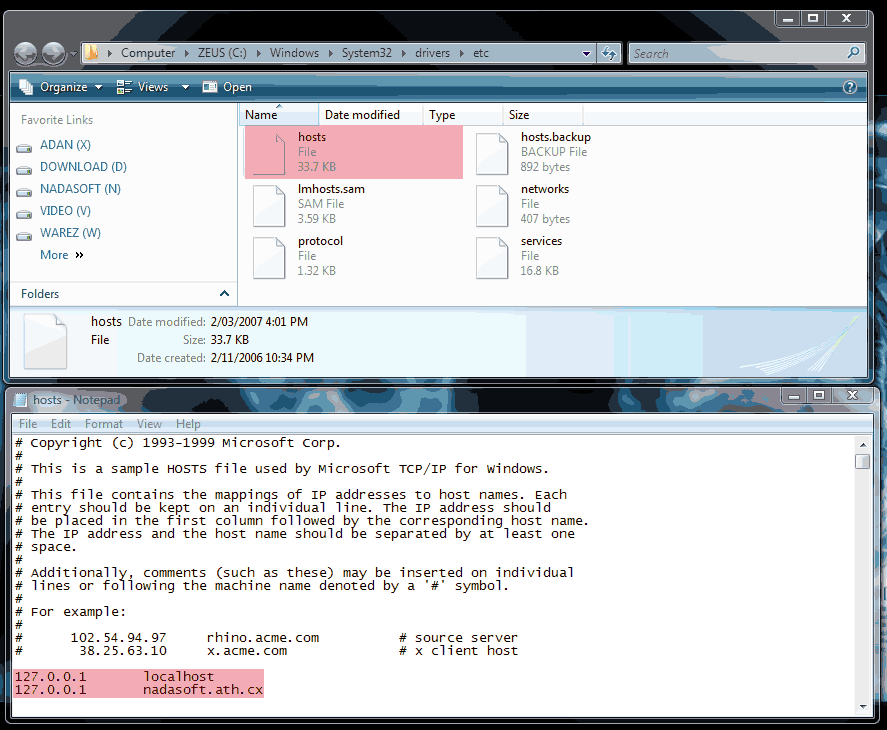 Editing the Windows hosts file
 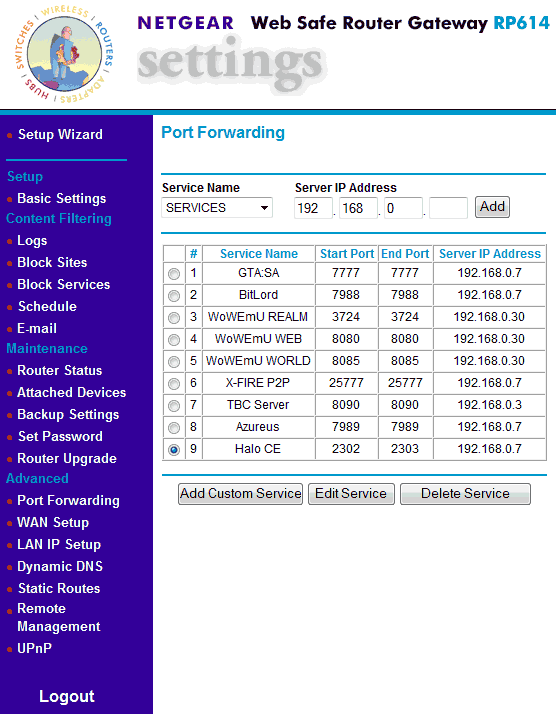 The dreaded router port forwarding setup (ports 8085 and 3724)